Backcountry apps
These are the apps I use in the New Zealand backcountry. Plan My Walk, CalTopo, and Garmin Explore (with a satellite communicator) cover safety, navigation, and emergency communication – the three things that matter most when something goes wrong. Those are the ones I wouldn’t head into the backcountry without. Everything else on this list improves the experience.
They’re listed roughly in order of importance. All of them work offline, which matters when you’re out of cell range. There are a few caveats worth noting: offline map downloads require a paid subscription for CalTopo, a few apps are only relevant to New Zealand, and some need content packs downloaded over Wi-Fi before you leave. I’ve also highlighted account requirements for each one: if an app works without a login, that’s worth knowing before you hand over an email address. Check the notes for each app.
Plan My Walk
- Developer: NZ Mountain Safety Council
- Cost: Free
- Account: Optional (free account unlocks additional features)
- Coverage: NZ only
- Offline use: Yes (works offline after initial setup)
- Last updated: December 2024
- Download: iOS · Android
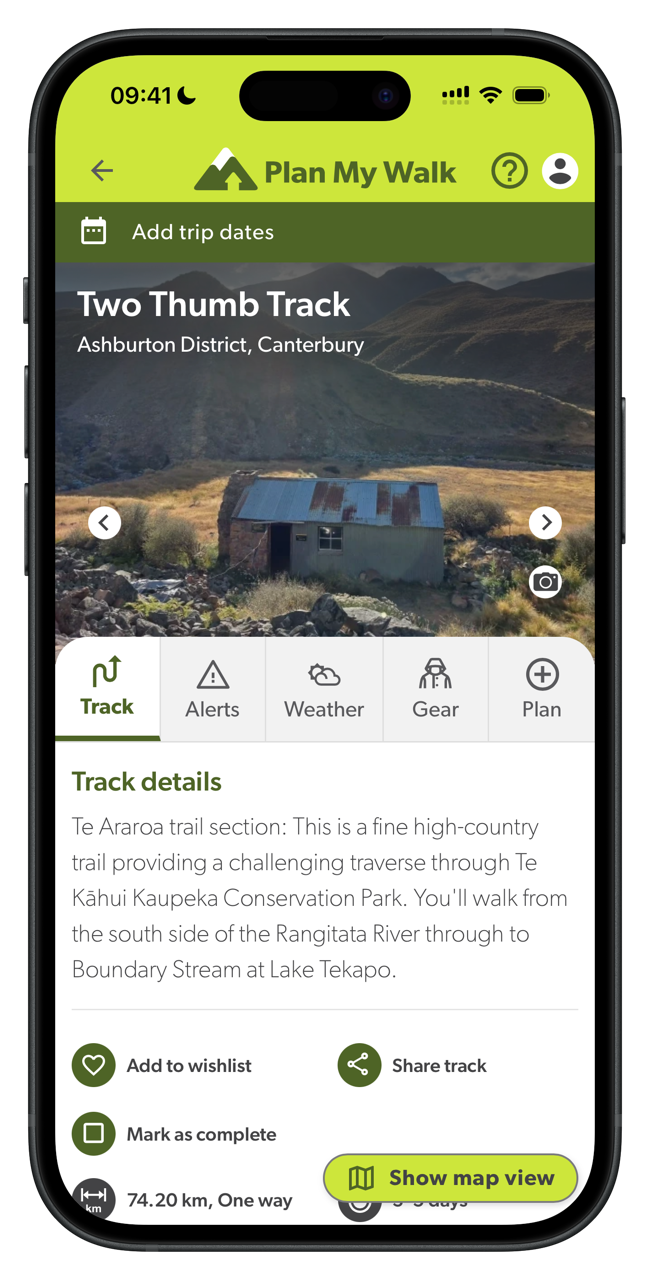
Trip planning app from the NZ Mountain Safety Council. Lets you log your route, expected return time, and an emergency contact. Your contact can raise the alarm with search and rescue if you don’t check in on time.
Filing a trip plan is the main reason I have it. It takes a few minutes and gives search and rescue useful information if something goes wrong. Leaving a trip intention with someone who will actually follow through is the most important safety habit in the backcountry.1
CalTopo: Backcountry Mapping
- Developer: CalTopo LLC
- Cost: Free (subscription available for premium features)
- Account: Optional (required to save maps and sync across devices)
- Coverage: Global
- Offline use: Yes (map downloads require a paid subscription)
- Last updated: March 2026
- Download: iOS · Android
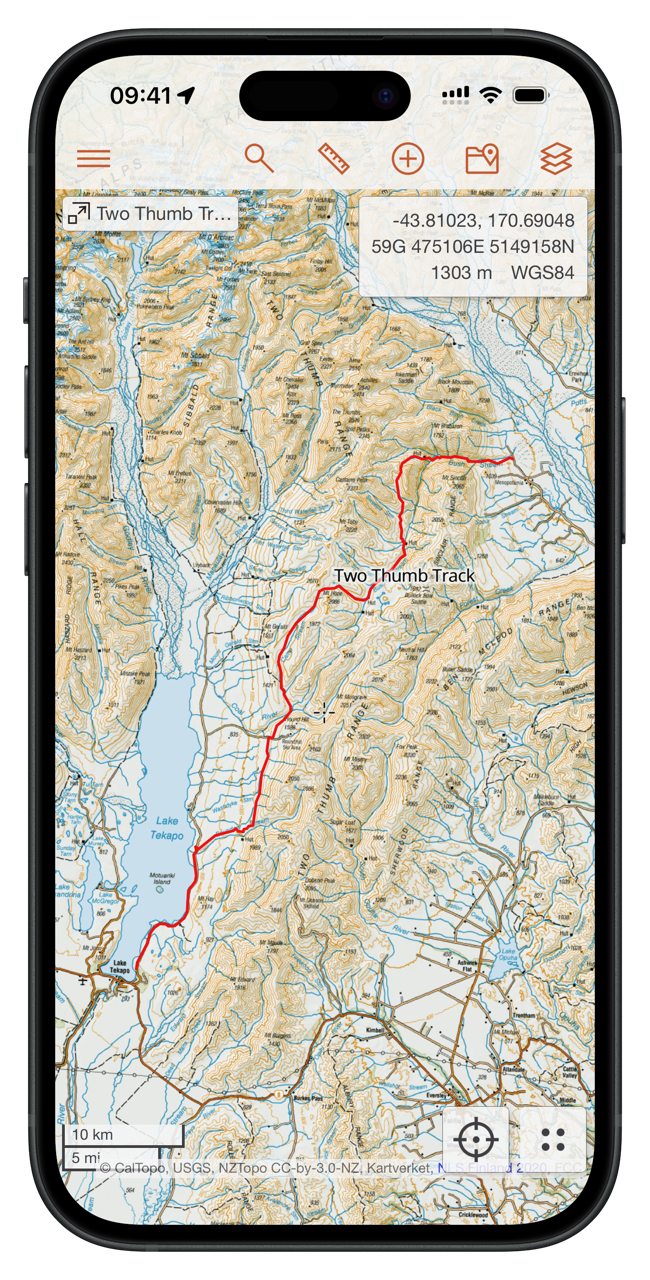
Web-first platform for planning backcountry routes. Combines topo maps, satellite imagery, and slope angle shading in a single interface. The mobile app downloads map tiles for offline use and follows your GPS position on trail.
I use the web version to plan every trip before I leave. Synced maps carry over to the phone without any extra setup. For offline navigation, I cache tiles before leaving cell coverage. Just browse the map while connected and the app stores what’s on screen. This gets around the subscription requirement for offline maps.
Garmin Explore™
- Developer: Garmin International
- Cost: Free
- inReach Satellite Plan: $15.50 NZD/month2
- Account: Required (Garmin account)
- Coverage: Global
- Offline use: Yes (maps can be downloaded for use outside cellular range)
- Last updated: February 2026
- Download: iOS · Android
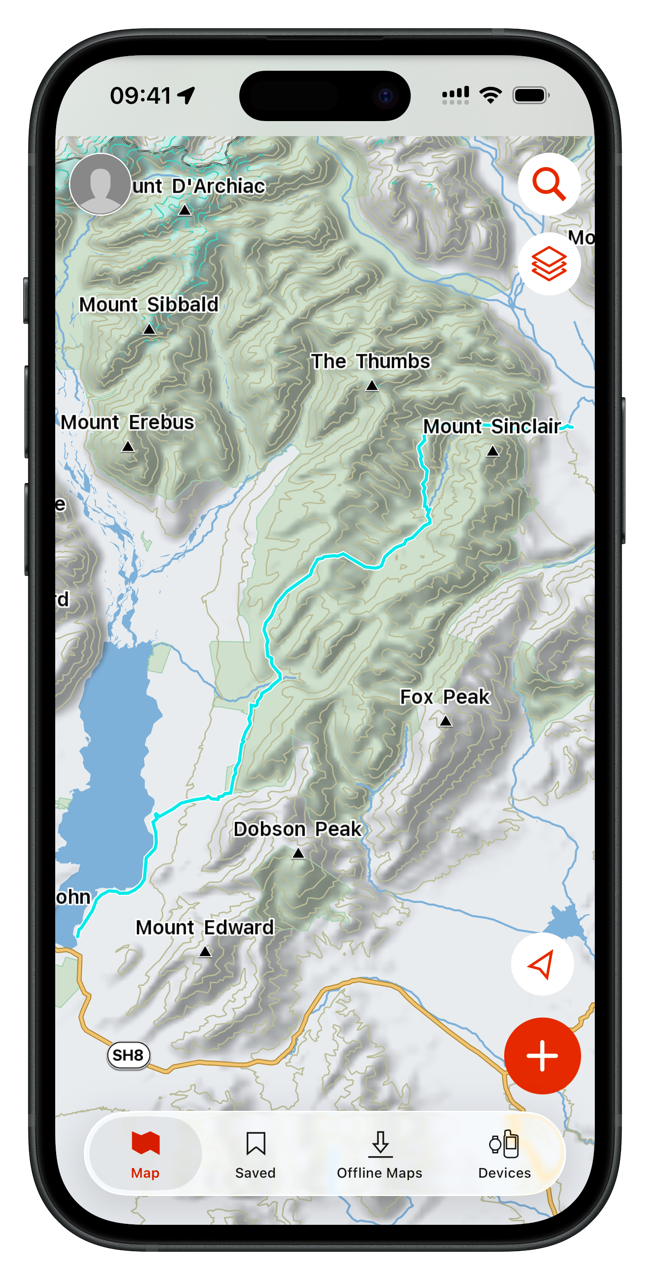
Companion app for Garmin inReach satellite communicators. Handles two-way messaging, live location tracking, and SOS activation via satellite. Also functions as a standalone trip planning and navigation app. Create waypoints and courses on your phone and sync them directly to a paired Garmin device.
I use it as the companion app for my inReach Mini. The inReach is the physical satellite communicator that handles messaging and SOS; Explore is the app it pairs with on your phone. I only really use this as a keyboard peripheral for the inReach. CalTopo with NZ Topo50 is far superior to Garmin Topo for navigation.
FarOut: Hike, Bike, Paddle
- Developer: Atlas Guides DE, Inc.
- Cost: Free to download; trail guides purchased individually or via subscription
- Account: Required (needed to purchase and access trail guides)
- Coverage: Global
- Offline use: Yes (works fully offline once trail guides are downloaded)
- Last updated: March 2026
- Download: iOS · Android
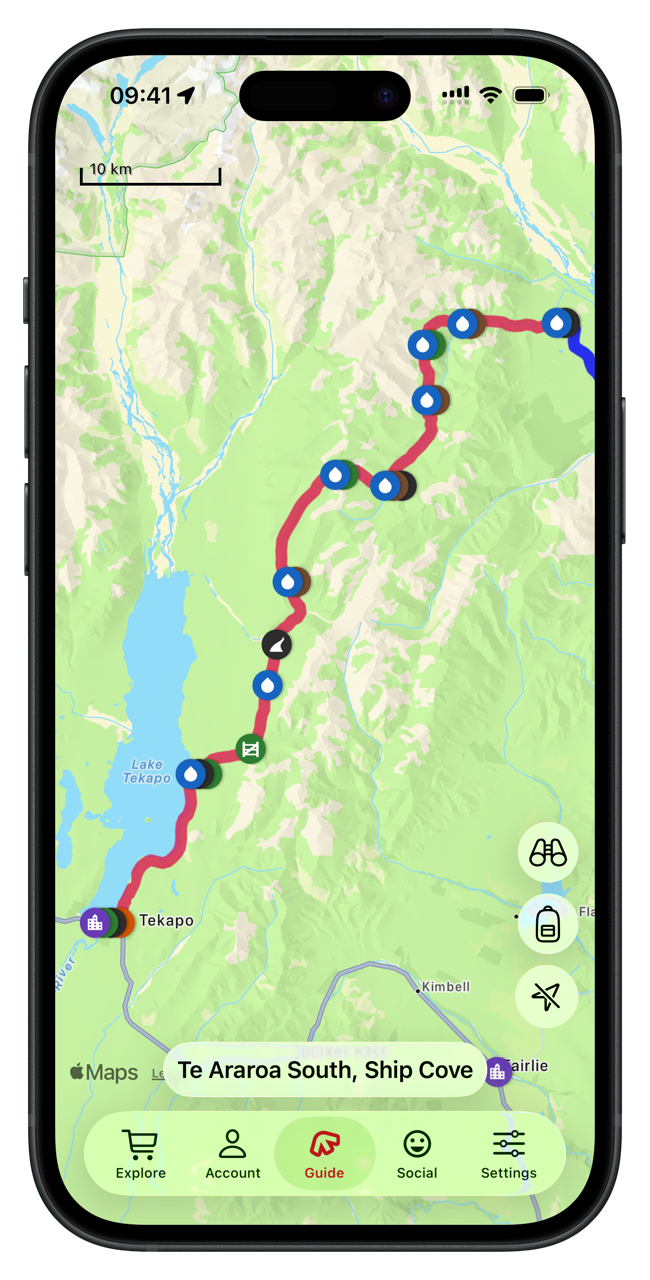
Trail guide app built around long-distance hiking routes. Guides are purchased per trail and include waypoints, water sources, towns, resupply points, and crowd-sourced notes from hikers who’ve been through recently.
The crowd-sourced notes are the most useful part: water sources, track conditions, and resupply options, often more current than anything official. Coverage skews toward long-distance routes. I used it heavily for Te Araroa, but guides for shorter trails are sparse.
Pocket Maps
- Developer: Herenga ā Nuku Aotearoa
- Cost: Free
- Account: Not required
- Coverage: NZ only
- Offline use: Yes (map regions can be downloaded for offline use)
- Last updated: 2024 (rebuild in progress as of 2026)
- Download: iOS · Android
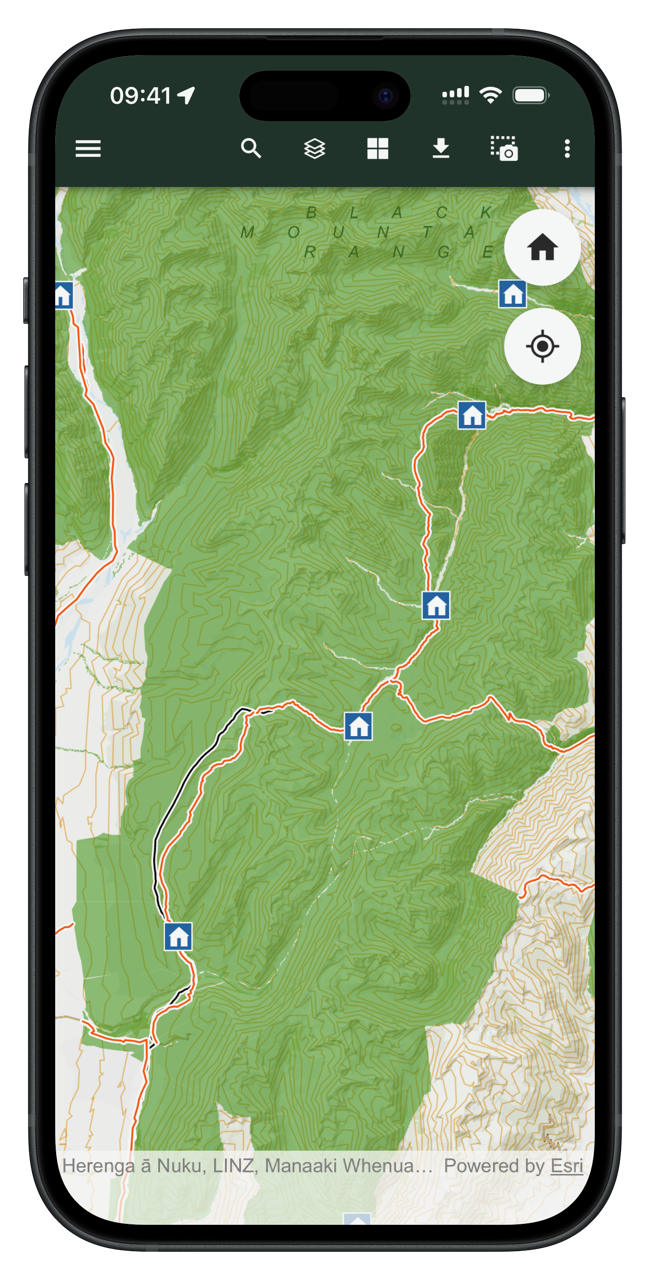
Pocket Maps displays Public Access Areas derived by Herenga ā Nuku from cadastral information, which indicate what land is publicly accessible. The app also contains offline topographic maps, tracks, recreation spots, huts and campsite layers which are maintained and owned by other government agencies.
I use this as a reference tool, not a navigation app. Again, I use CalTopo with NZ Topo50 maps for that. For avoiding private property, looking for fly fishing angler access, or scouting unfamiliar road ends, nothing else comes close.
PeakFinder
- Developer: PeakFinder GmbH
- Cost: $9.99 NZD (one-time purchase)
- Account: Not required
- Coverage: Global
- Offline use: Yes (works fully offline worldwide)
- Last updated: March 2026
- Download: iOS · Android
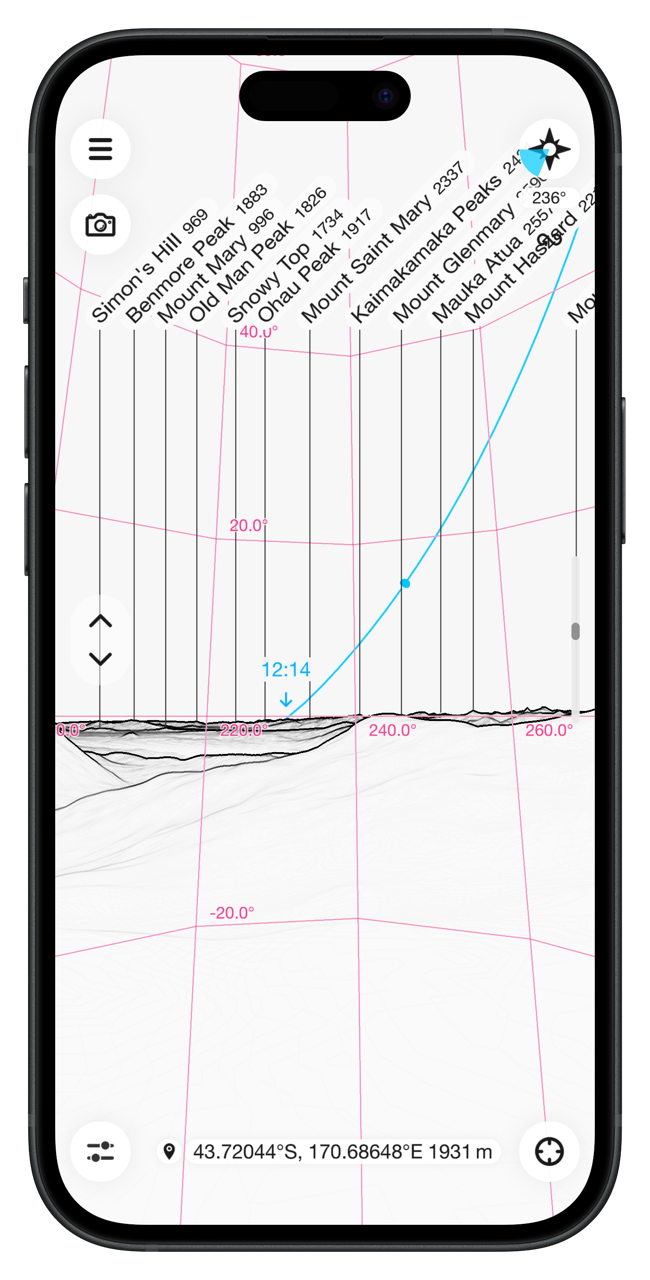
Augmented reality app that names peaks and ridgelines visible from your location. Point the camera toward the horizon and it overlays summit names and elevations. In poor visibility, it can be switched to a drawn panorama based on your GPS position.
I use it to get oriented on ridges and summits where multiple peaks are in view. The panorama mode works in cloud, which is when you most want to know what you’re looking at.
Merlin Bird ID by Cornell Lab
- Developer: Cornell Lab of Ornithology
- Cost: Free
- Account: Optional (email confirmation requested after a 5-day trial)3
- Coverage: Global
- Offline use: Yes (Sound ID and Photo ID work offline once bird packs are downloaded)
- Last updated: March 2026
- Download: iOS · Android
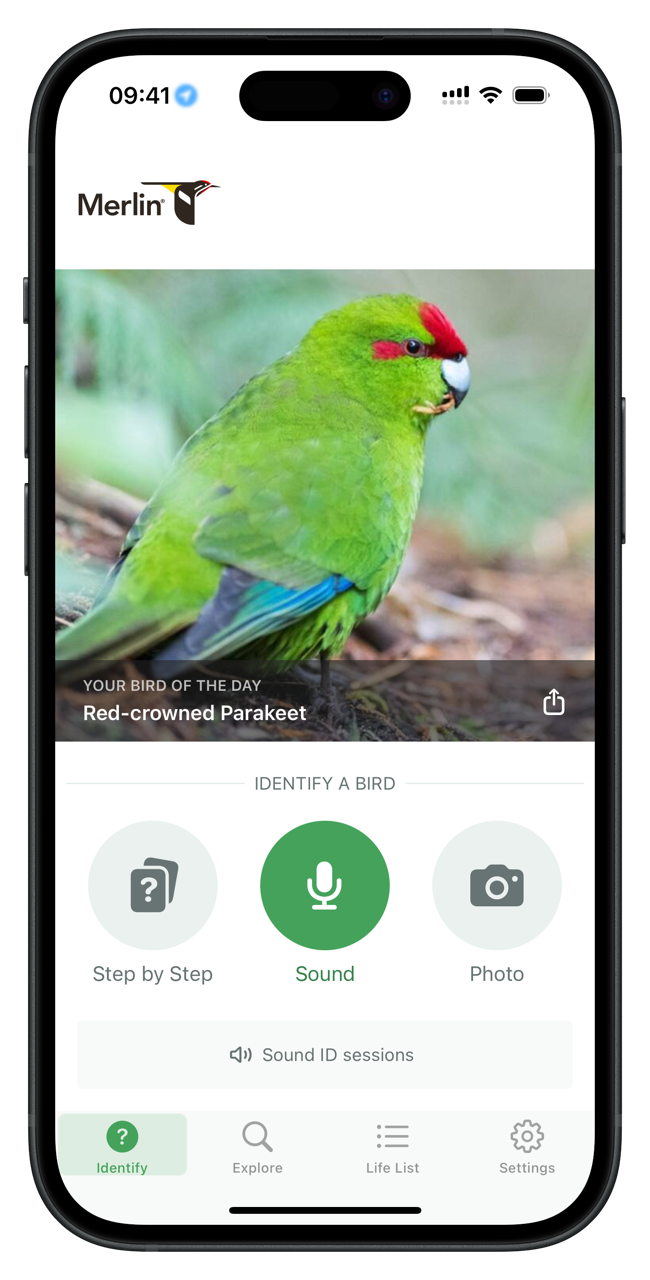
Bird identification app from Cornell Lab of Ornithology. Identifies species by photo, recorded sound, or a short questionnaire about what you saw. Works offline after downloading the bird pack for your area.
The Sound ID feature listens to ambient audio and names birds in real time as they call, useful when you can hear something but can’t see it. I don’t mind the sign-in, I just want to identify the wildlife I see and hear.
Sky Guide
- Developer: Fifth Star Labs LLC
- Cost: Free, with in-app purchases
- Account: Not required
- Coverage: Global
- Offline use: Yes
- Last updated: January 2026
- Download: iOS (iOS only)
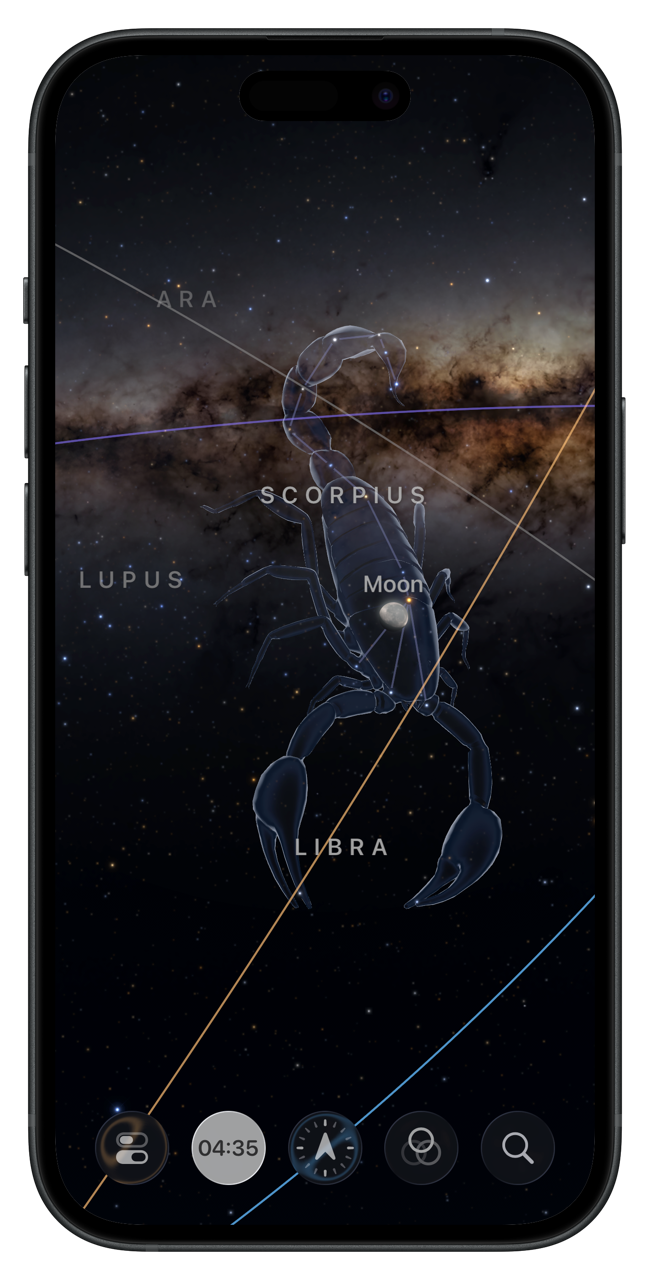
Stargazing app that identifies stars, constellations, planets, and passing satellites. Point the camera at the sky and it overlays names and constellation lines on the live view. I use it on clear nights in the backcountry. One of the better reasons to be away from city lights.
-
Adventure Smart NZ research consistently shows that a significant portion of search and rescue callouts involve parties who left no trip intention. A trip plan doesn’t need to be elaborate. Route, expected return time, and one person who will call for help if you don’t check in. ↩︎
-
The satellite plan is required for two-way messaging and SOS. Without an active plan the inReach hardware and the Explore app still work for GPS tracking and map navigation, but you can’t send or receive messages or trigger a rescue. Garmin offers several plan tiers; the Freedom Plan at $15.50 NZD/month is month-to-month with no annual commitment, which suits occasional use. ↩︎
-
After the 5-day free trial, Sound ID remains accessible from the app’s Quick Actions without an account. Quick Actions on iPhone are accessed by touching and holding the app icon on the Home Screen, App Library, or in the Control Center to reveal a hidden menu of shortcuts. ↩︎